Tailwind CSS v4 Oxide Engine & CSS Anchor Positioning
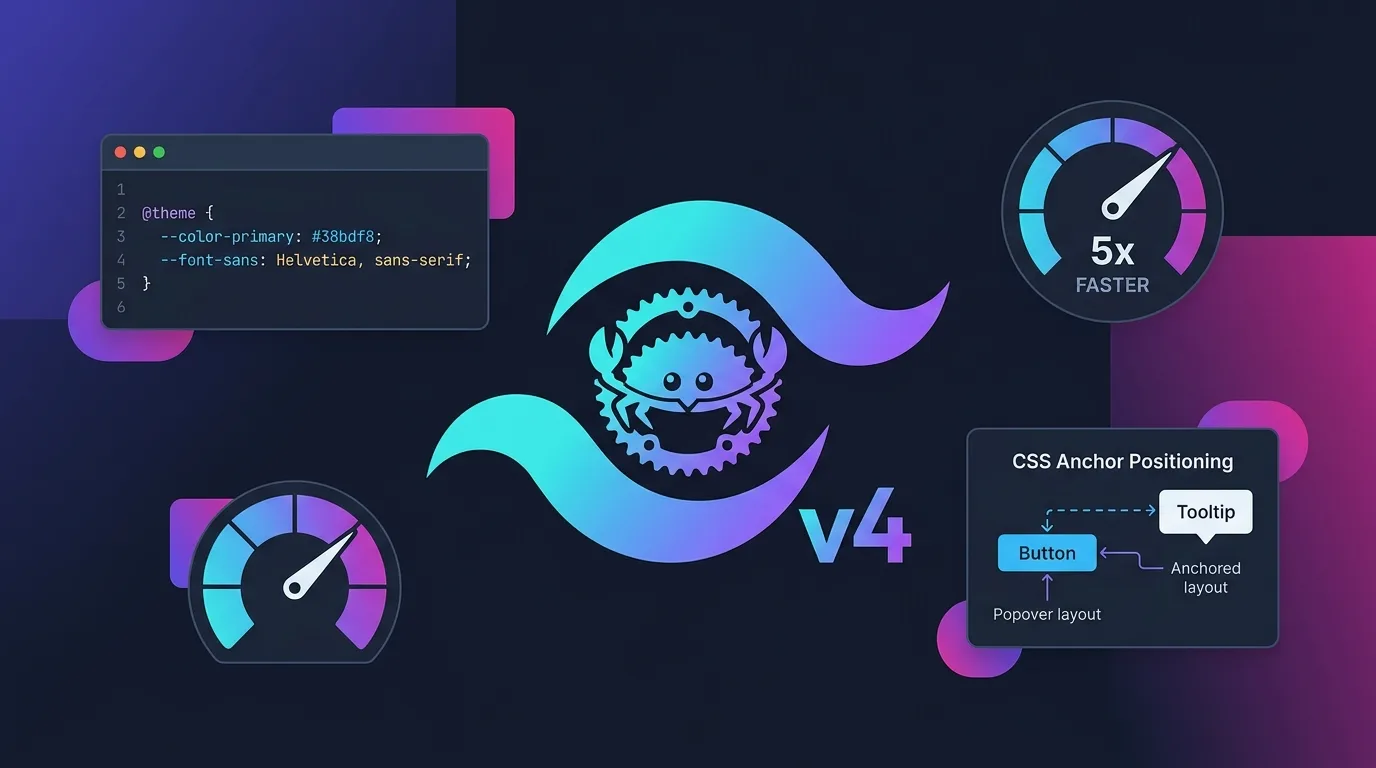
Tailwind CSS, the de facto standard for layout styling in web development, has ushered in a new generation with version 4. To overcome the performance limitations of the legacy Node.js/PostCSS-based compiler architecture, the core compiler engine has been completely rewritten in Rust as the Oxide engine.
Furthermore, tooltips, popovers, and dropdown menus—which long relied on complex JavaScript calculations from libraries like Popper.js and Floating UI—can now be positioned using the web-standard CSS Anchor Positioning API.
This guide covers the performance innovations of the Rust-based Oxide engine, the CSS-first @theme system that eliminates tailwind.config.js, and practical layout architecture combining CSS Anchor Positioning + Tailwind v4 to track popover positions natively in the browser without JavaScript calculations.
Key Takeaways
- Rust-based Oxide Engine: Combining Lightning CSS and a Rust pipeline, full builds are up to 5x faster compared to v3, and incremental build HMR latency drops under 10ms.
- No
tailwind.config.js: The configuration file is gone. Tailwind v4 shifts to a CSS-first paradigm where design tokens are declared directly using the@themedirective and standard CSS variables inside CSS files.- Unified Toolchain without PostCSS: Without separate PostCSS or Autoprefixer plugins, Tailwind v4 operates as a standalone package handling all CSS post-processing natively.
- CSS Anchor Positioning Integration: Track popover and tooltip positions with 0ms latency using browser-native
anchor-nameandposition-anchor, eliminating third-party JS libraries like Floating UI.- Container Queries & View Transitions:
@container-based component-level responsive rendering and the View Transitions API are natively integrated at the engine level.
1. Rust-Based Oxide Engine: A Speed Revolution in CSS Compilation
According to the official Tailwind CSS v4 announcement, the v4 compiler was completely rewritten in Rust, delivering dramatic build performance gains over v3 (which relied on JavaScript and PostCSS).
[v3 Legacy Pipeline]
JS AST Parsing ──► PostCSS Plugin Chain ──► Autoprefixer ──► 1,200ms Build Time

[v4 Oxide Rust Pipeline]
Rust Parallel Parser ──► Lightning CSS (Zero-copy) ──► 240ms Build Time (5x Faster)| Performance Metric | Tailwind CSS v3 (Node.js/PostCSS) | Tailwind CSS v4 (Oxide Rust) | Performance Gain |
|---|---|---|---|
| Cold Build Time | ~1,250ms | ~240ms | 5.2x faster |
| Incremental HMR | ~120ms | ~8ms | 15x faster |
| Dependency Packages | 18 (PostCSS, Autoprefixer, etc.) | 0 (Single Rust binary) | 100% lighter |
| Configuration Approach | tailwind.config.js (JS parsing) |
@theme CSS-first setup |
0ms parsing overhead |
The Oxide engine adopts a zero-copy memory approach to scan utility classes across HTML/JSX files in milliseconds, streaming parallel output directly into standard CSS files via its Lightning CSS backend.
2. Ditching tailwind.config.js: CSS-First Directive Architecture
The most significant architectural shift in Tailwind v4 is eliminating JavaScript configuration files (tailwind.config.js) in favor of a CSS-first approach where all design tokens and style rules live directly inside standard CSS files.
Standard v4 CSS Configuration (src/styles/app.css)
@import "tailwindcss";

/* v4 standard: Declare design tokens and CSS variables directly inside @theme */
@theme {
  --font-display: "Inter", sans-serif;
  --color-brand-primary: oklch(0.65 0.24 265);
  --color-brand-accent: oklch(0.78 0.18 140);

  --breakpoint-3xl: 120rem;
  --ease-fluid: cubic-bezier(0.3, 0, 0, 1);
}

/* Defining custom utility classes */
@utility glass-panel {
  background-color: rgb(255 255 255 / 0.1);
  backdrop-filter: blur(16px);
  border: 1px solid rgb(255 255 255 / 0.2);
}
Variables defined within the @theme block automatically map to utility classes like bg-brand-primary, font-display, and text-brand-accent for instant use in your HTML/JSX components. Native support for modern OKLCH color spaces enables significantly richer gradients and accessible color palettes.
3. CSS Anchor Positioning: Native Popovers Without JavaScript
Historically, positioning tooltips or dropdown menus relative to trigger buttons required continuous getBoundingClientRect() calculations in JavaScript, triggering costly browser reflows. The CSS Anchor Positioning API offloads all relative layout math directly to the browser rendering engine.
[Legacy JS-Based Positioning] ❌
Scroll/Resize Event ──► JS Event Listener ──► Reflow Math ──► Update Top/Left Styles (Stutters 60fps)

[CSS Anchor Positioning] ⭕️
Anchor Element (anchor-name) ◄──(Browser Layout Engine)──► Popover (position-anchor) [0ms]
React 19 + Tailwind v4 Anchor Positioning Implementation
Here is a practical component adhering to the W3C CSS Anchor Positioning Specification.
// src/components/AnchoredPopover.tsx
import React from 'react';

export function AnchoredPopover() {
  return (
    <div className="p-12 space-y-8">
      {/* Trigger button acting as the anchor point */}
      <button
        className="px-6 py-3 bg-brand-primary text-white rounded-xl shadow-lg transition-transform active:scale-95"
        style={{ anchorName: '--profile-button' } as React.CSSProperties}
      >
        Profile Settings ⚙️
      </button>

      {/* Popover card automatically bound to the anchor */}
      <div
        className="glass-panel p-6 rounded-2xl w-72 shadow-2xl space-y-4"
        style={{
          positionAnchor: '--profile-button',
          positionArea: 'bottom span-right', // Automatically snap bottom-right with 0ms delay
          positionTryFallbacks: 'flip-block, flip-inline', // Auto-flip when touching viewport boundaries
        } as React.CSSProperties}
      >
        <h4 className="font-semibold text-lg text-gray-900 dark:text-white">
          Account Details
        </h4>
        <p className="text-sm text-gray-600 dark:text-gray-300">
          Rendered using CSS Anchor Positioning without any JavaScript positioning libraries.
        </p>
        <button className="w-full py-2 bg-brand-accent text-white rounded-lg font-medium">
          Log Out
        </button>
      </div>
    </div>
  );
}
Adopting this pattern lets you remove 30KB+ third-party positioning libraries like Popper.js or Floating UI entirely, maximizing bundle size optimization as covered in our Vite 8 & Rolldown 1.0 Bundling Guide.
4. Native Container Queries & View Transitions Integration
Tailwind v4 bakes Container Queries into the core engine as a default feature, allowing elements to respond to parent container dimensions rather than viewport width alone.
// Card component responsive to parent container dimensions
export function ResponsiveProductCard() {
  return (
    <div className="@container w-full max-w-2xl border border-gray-200 rounded-3xl p-6">
      {/* Switches to horizontal layout when container width hits 400px+ (@sm) */}
      <div className="flex flex-col @sm:flex-row gap-6 items-center">
        <img
          src="/images/product.webp"
          alt="Product"
          className="w-full @sm:w-48 h-48 object-cover rounded-2xl"
        />
        <div className="space-y-2">
          <span className="px-3 py-1 bg-purple-100 text-purple-700 rounded-full text-xs font-bold">
            NEW 2026
          </span>
          <h3 className="text-xl font-bold text-gray-900">
            Container Query Card
          </h3>
          <p className="text-sm text-gray-600">
            Adapts its layout to the parent container whether embedded in a sidebar or a modal.
          </p>
        </div>
      </div>
    </div>
  );
}
Furthermore, the View Transitions API seamlessly pairs with Tailwind v4 utilities, dramatically simplifying page transition animations for streaming UIs built with React 19 (see our Vercel AI SDK Guide) and client-side routing.
5. 2026 Modern Web Layout Stack Comparison: Tailwind v4 vs CSS-in-JS vs Plain CSS
| Comparison Feature | Tailwind CSS v4 (Oxide) | CSS-in-JS (Emotion / Styled) | Plain CSS + Native Modules |
|---|---|---|---|
| Compiler Language | Rust (Lightning CSS) | JavaScript (Runtime Parsing) | Browser Native |
| Runtime Overhead | 0ms (Fully static at build time) | 15~40ms (JS evaluation & parsing) | 0ms |
| Config Complexity | @theme CSS-first (Single file) |
Complex Provider & Theme setup | Separated *.module.css files |
| Popover Anchoring | CSS Anchor Positioning support | JS library required (Floating UI) | CSS Anchor Positioning support |
| Bundle Impact | Purged utility CSS (<10KB) | Increased JS bundle size (30KB+) | Bloated standalone CSS files |
Conclusion: Traditional CSS-in-JS solutions with runtime JIT parsing overhead are being rapidly phased out of modern 2026 web architectures. The combination of Tailwind CSS v4 Oxide + CSS Anchor Positioning has established itself as the new standard for maximizing both developer productivity and web performance.
Frequently Asked Questions
Is it difficult to migrate a Tailwind v3 project to v4?
Not at all. Running the official automated migration CLI (npx @tailwindcss/upgrade) converts your existing tailwind.config.js settings into @theme CSS variables while automatically upgrading any deprecated class names.
Is CSS Anchor Positioning supported across all browsers?
As of 2026, CSS Anchor Positioning is enabled by default across modern versions of Chrome, Edge, Safari, and Firefox. For legacy browser compatibility, pair the @supports (anchor-name: --a) directive with a lightweight fallback polyfill.
Can I use Tailwind v4 alongside shadcn/ui components?
Yes, they are fully compatible. Modern versions of shadcn/ui reference design tokens defined via @theme CSS variables, so you can copy and paste components directly into a Tailwind v4 project without extra PostCSS configuration.
Is PostCSS no longer required?
For most projects, PostCSS is no longer necessary. Tailwind v4 operates as a standalone Rust bundler handling Autoprefixer, CSS Nesting, and @import resolution internally. However, if your project relies on custom PostCSS plugins, you can still plug them into your pipeline.